HelpGuides
Make the dashboard yours
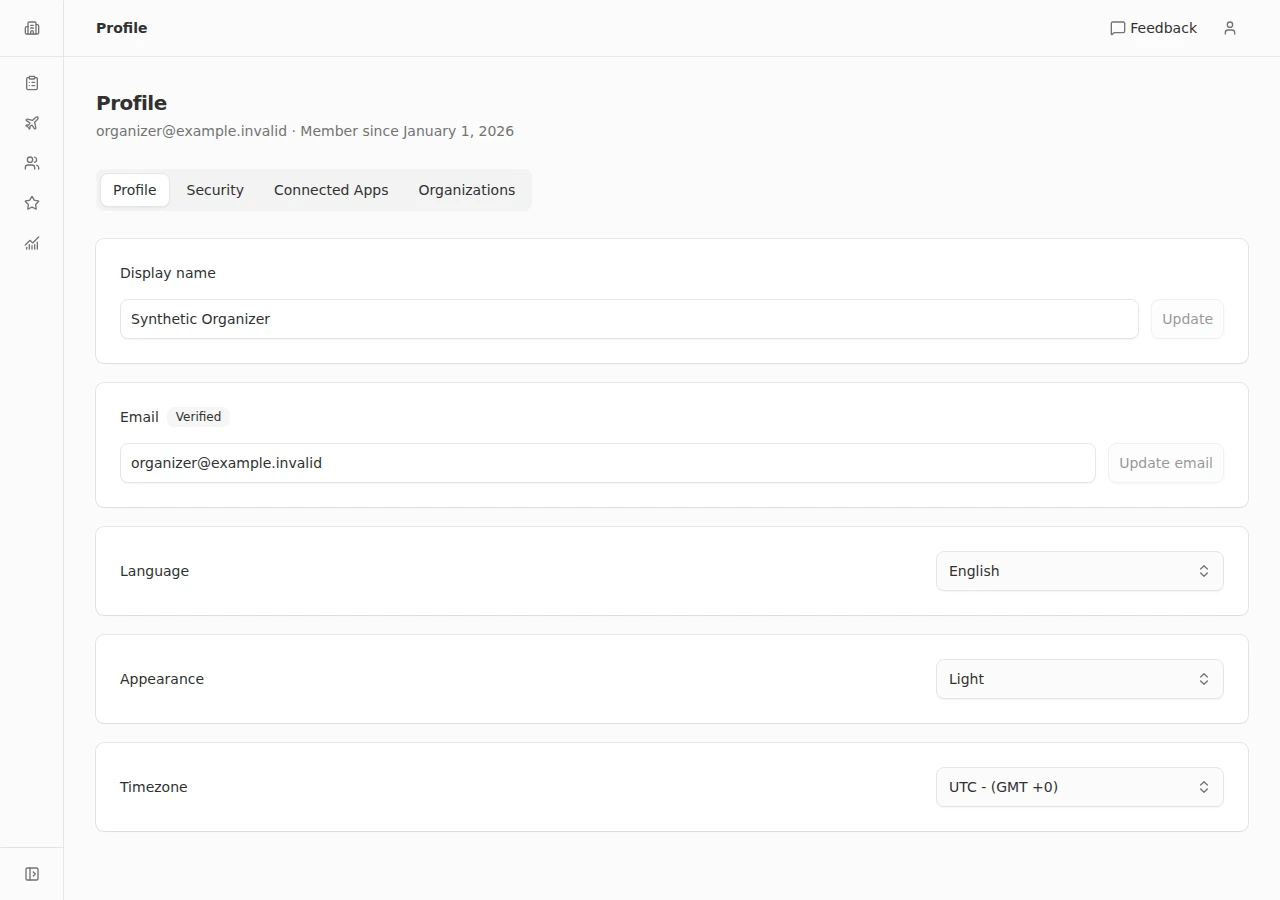
Choose the language, appearance and time zone for your account.
- 1
Open your profile
Open the user menu and choose Profile. Stay on the Profile tab.
- 2
Choose your language
Find Language and select English or Español. Your selection saves automatically; look for the saved confirmation before making another change.
- 3
Set the appearance
Under Appearance, choose Light, Dark, or System. System follows your device’s theme preference.
- 4
Check your time zone
Choose your time zone under Timezone. If your browser uses a different one, the page offers Update timezone to use the browser’s time zone. Confirm that the preference was saved.
Every departure full and paid before you leave